App Development: Slack Integration
Outline of the requirements for a Matterial Slack Integration
Outline of the requirements for a Matterial Slack Integration
Integration into Slack can be a useful for those users that:
The following key usage profiles and stakeholders are integrated in the user journey, or overall process, and described in their roles:
All persons who use matterial and Slack already.
All users that have administrative privileges. They can do administrative tasks such as manage permissions of the matterial / slack integration.
The matterial corporation is the developer and service provider of the software. It has requirements of software usage experience (feedback), marketing data, etc.
The requirements the Slack Integration must satisfy, and which define its functional scope, are described below in the usual format of a user story, unless specified otherwise:
As <stakeholder>, I want <goal>, so that <reason>.
The corresponding acceptance criteria supplement the specification of the requirements by defining the conditions that the software must fulfill to satisfy user needs.
| ID | User Story | Acceptance Criteria |
|---|---|---|
| 1 | As an admin, I would like to have a global setting in matterial, where I can enable / disable the Slack integration. | Provide a global setting to enable / disable the integration and to add the Slack API token. |
| 2 | As an admin, I would like to be able to globally configure access to the Slack integration for the users I administrate, so that I could restrict the usage in general. | Provide a global setting in my instance, that enables / disables the Slack integration |
| 3 | As an admin, I would like to manage permissions of the Slack integration, so that I can restrict who can use the Slack integration. | Provide a section in the permission administration that lets the admin configure the permission who can use the Slack integration. |
| ID | User Story | Acceptance Criteria |
|---|---|---|
| 1 | As a user, I would like to share a matterial document in Slack, so that I can start chatting about the document in Slack. | Provide a function to share a document in Slack. |
| 2 | As a user I would like to decide how to share a document, so that I could either create a new channel in Slack or create a direct/group chat. | Provide a dialog that lets the user select how to share the document. |
| 3 | As a user, I would like to select the users I want to invite to a group chat that I am about to create, so that I can start communicating with these people | Provide selection of users / groups when sharing the document. |
| 5 | As a user, I would like to be able to jump directly from the Slack channel to the respective document(s) | Provide a link within the Slack channel to the document. |
| 7 | As a user I would like to be able to configure notifications in Slack, so that I do not get emails but Slack messages instead. | Add Slack as a notification option in the user’s settings. |
| 9 | As a user, I would like to see the channel(s) connected to the matterial document, so that I am aware that the document has a channel connection to Slack. | Provide a UI element that shows to which channels the document is connected to. |
| ID | User Story | Acceptance Criteria |
|---|---|---|
| 1 | As matterial, I would like to utilize the Slack integration and publish it within the Slack community, so that matterial gets known. | Add matterial Slack Integration to the Slack App marketplace |
Slack has a well documented Web API which can be used to integrate apps. Some of the Slack API calls have to be implemented server-side (notification) and other will be invoked on the client side.
APIs of interest:
I created a test app called matterial-slack-integration: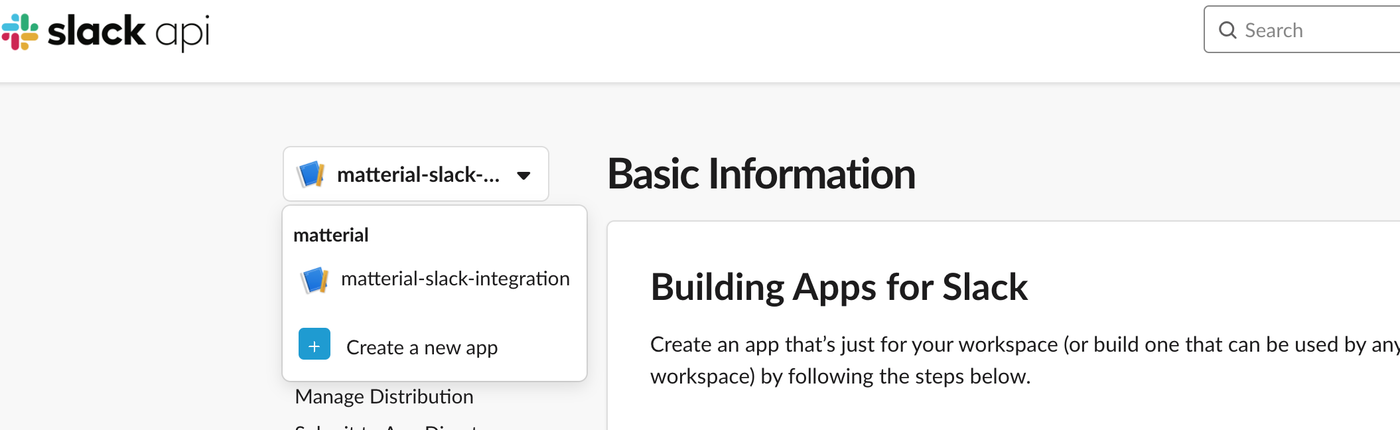
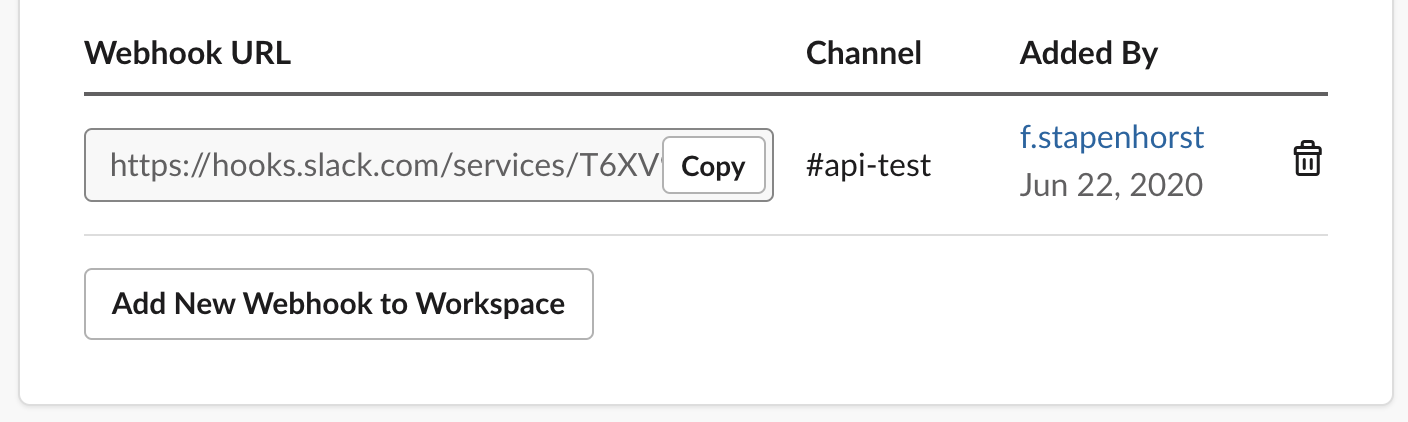
Webhooks seem to be a nice and easy to set up way of sending messages to a channel.
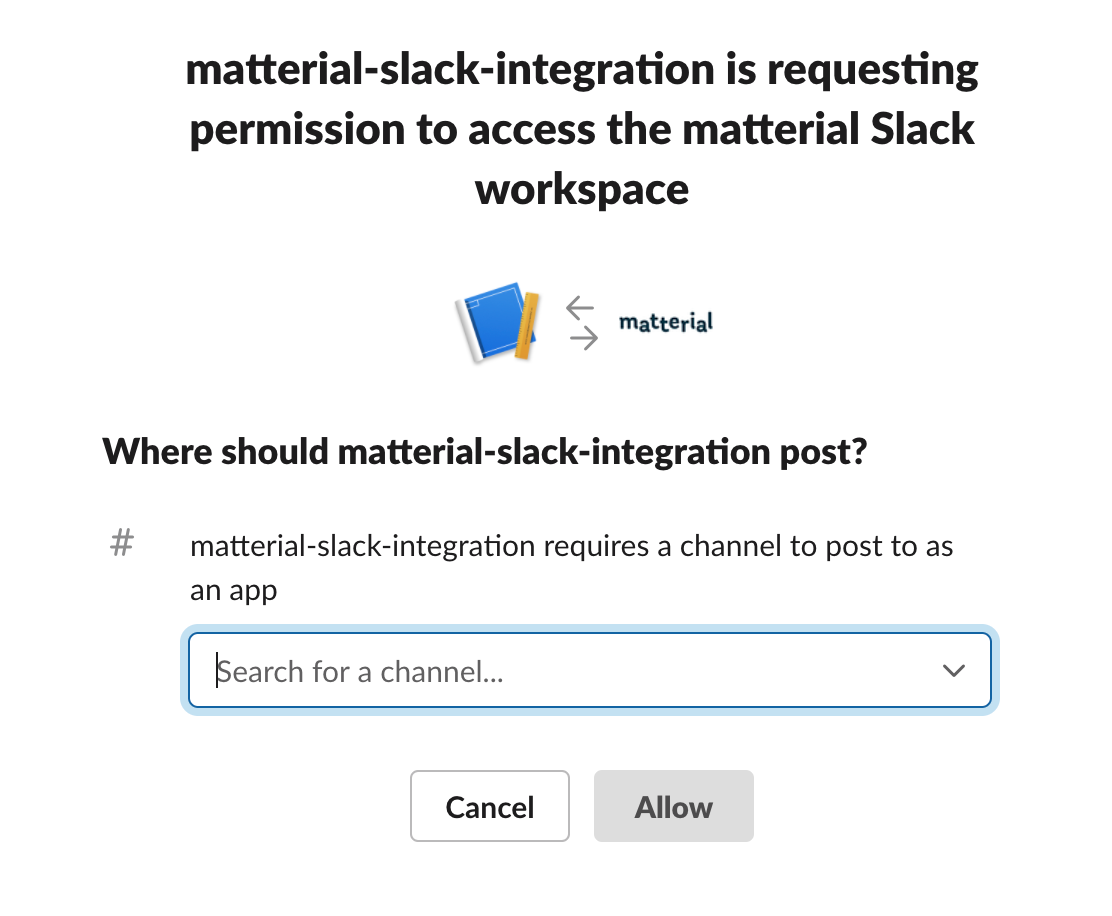
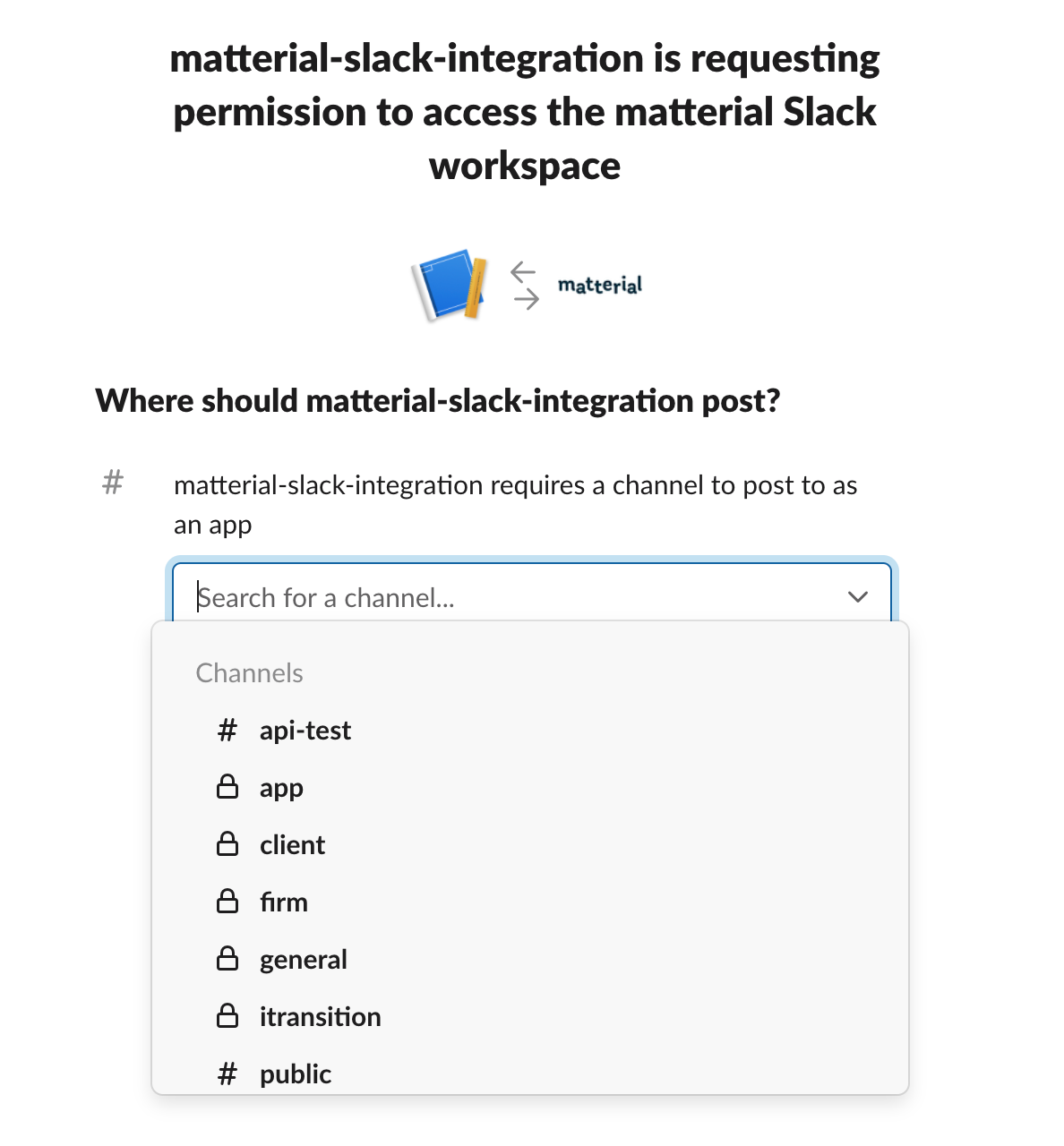
The process of setting up a webhook is simple:
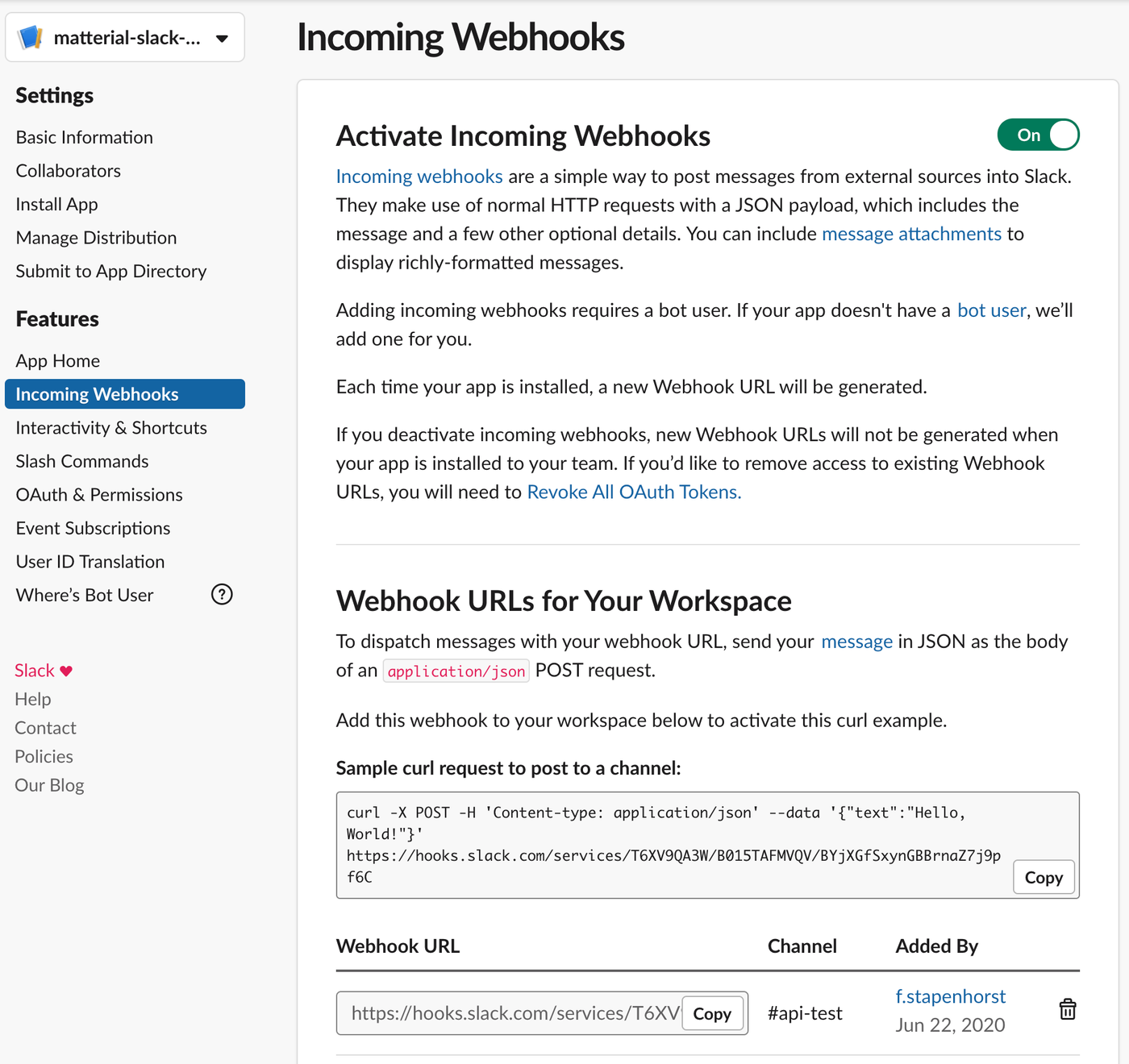
curl -X POST -H 'Content-type: application/json'
--data '{"text":"Hello, World!"}' https://hooks.slack.com/services/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
… which resulted in the message:
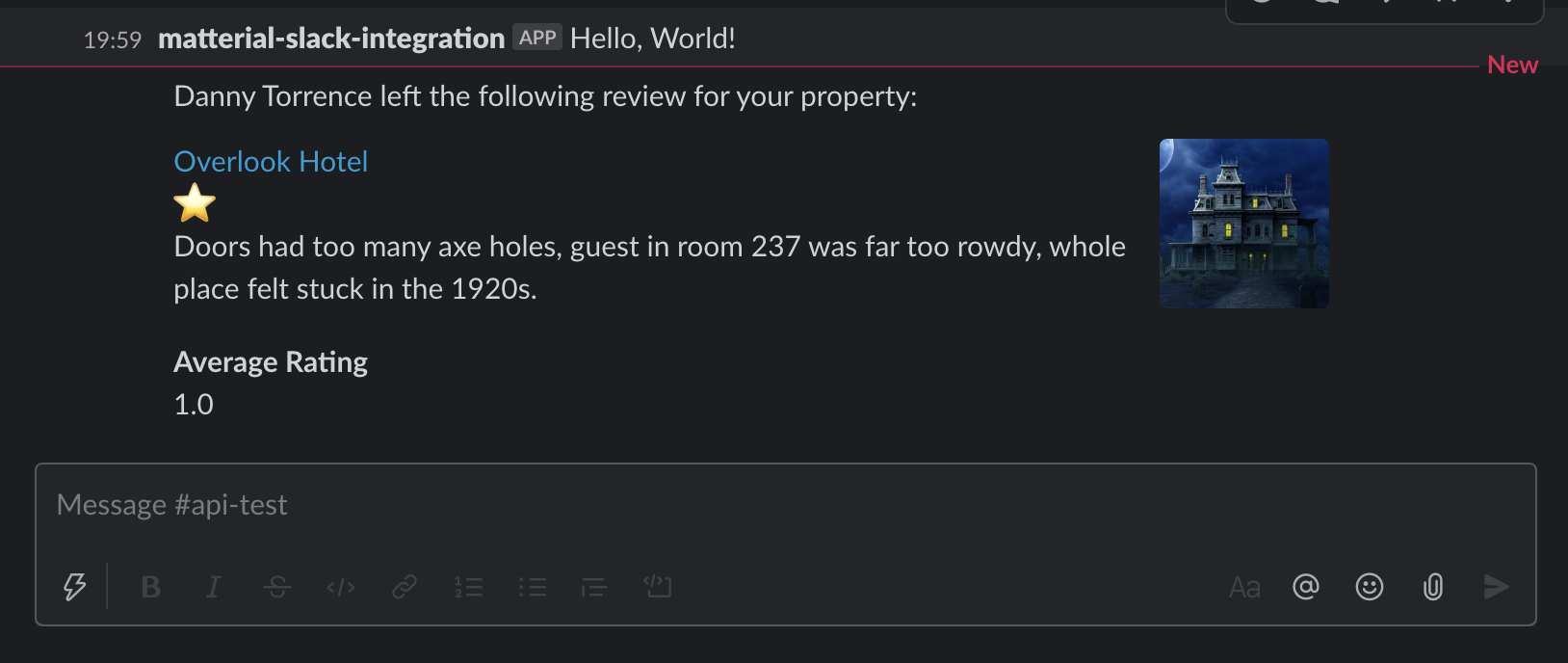
You can also send much fancier messages like this:
{
	"blocks": [
		{
			"type": "section",
			"text": {
				"type": "mrkdwn",
				"text": "Danny Torrence left the following review for your property:"
			}
		},
		{
			"type": "section",
			"block_id": "section567",
			"text": {
				"type": "mrkdwn",
				"text": "<https://example.com|Overlook Hotel> \n :star: \n Doors had too many axe holes, guest in room 237 was far too rowdy, whole place felt stuck in the 1920s."
			},
			"accessory": {
				"type": "image",
				"image_url": "https://is5-ssl.mzstatic.com/image/thumb/Purple3/v4/d3/72/5c/d3725c8f-c642-5d69-1904-aa36e4297885/source/256x256bb.jpg",
				"alt_text": "Haunted hotel image"
			}
		},
		{
			"type": "section",
			"block_id": "section789",
			"fields": [
				{
					"type": "mrkdwn",
					"text": "*Average Rating*\n1.0"
				}
			]
		}
	]
}
We need to check, how much of the setup can be automated for a matterial integration in Slack.
Slack supports a /command syntax to send commands to the matterial-bot which then can trigger functions in matterial. In or der for this to work, we need to first implement API-token-authentication in matterial server.